Changing fee settings for an account
Fee Settings can be useful to automatically set commissions on platforms such as Tradovate or Tradelocker that don't provide fee information in their API. In the following guide you'll learn how to set them.
Step 1. Head to the accounts section
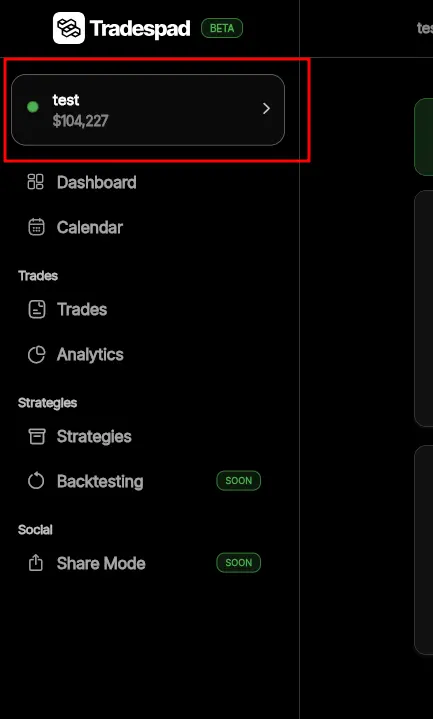
Step 2. Open Fee Settings
Find the account you want to set fee settings for, press ≡ on the right bottom corner of the account card, and press Fee Settings.

Step 3. Configure fees
Set the Fee Settings according to your needs.
- Commission per lot/contract: This is a fixed fee that will be added to each trade's commission for each lot/contract traded. For example, if there is a lot size of 2 or 2 contracts have been traded and this is set to 5$, the total commission for that trade will be 2 * 5$ = 10$
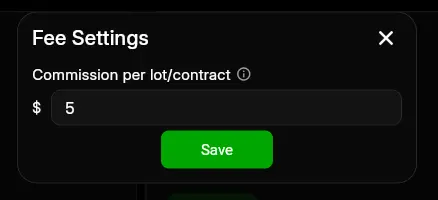
Step 4. Press Save
Save the fee settings.
Well done! You have now configured Fee Settings for this account.